Cafe Digital Menu: QR Code, PDF or Website?
A guest scans the table QR and waits for a PDF to open. Five seconds. Ten. Then they zoom in to read the prices. Does a digital menu have to work like this? No. The format you choose decides how fast guests order.
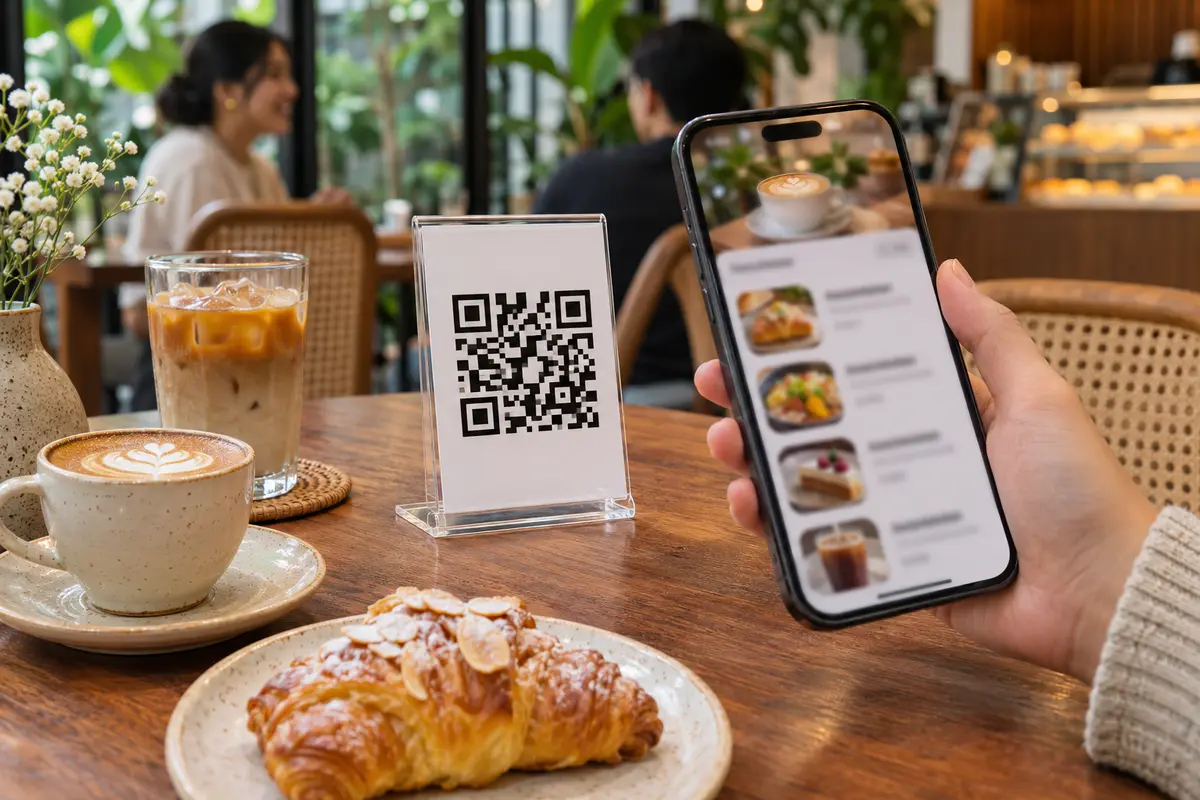
Cafe digital menu: QR code, PDF or website?
The best cafe digital menu is a menu page on your website, opened by a table QR code. It reads well on phones, loads fast, can be found on Google and is easy to update. A PDF feels convenient but is heavy on phones and hard to keep current. Fill in your Google Business Profile menu too.
Quick comparison
- Website menu page: fast, readable, findable on Google
- Table QR: point it to the menu page, not a PDF
- PDF: easy to make, but heavy and needs zooming
- Instagram photos: good for mood, bad for a price list
- Google Business Profile menu: fill it in as well
Want it done for you? I offer help building a cafe digital menu.
Four menu formats
Most cafes use one of four formats: menu photos on Instagram, a PDF file, a QR code that opens a PDF, or a menu page on the website. All of them count as a cafe digital menu, but the guest experience is very different.
- Photos on Instagram.
- A PDF file.
- A QR code that opens a PDF.
- A menu page on your website.
Why PDFs get in the way
A PDF looks neat on a computer, but on a phone it is often heavy, has to download and needs zooming. Every price change means remaking the file. Its content is also harder for search engines to understand than plain text on a web page.
- Heavy on mobile data.
- Needs zooming to read.
- Slow to update.
A website menu page: the best option
A menu page holds real text: product names, short descriptions and prices. It loads fast, reads well on phones, can be found on Google and is easy to change. You can still add photos for your best sellers.
- Real text, not images.
- Grouped by category.
- Photos for best sellers only.
Table QR codes: point to a page, not a file
QR codes are still useful. What matters is where they lead. Point the QR to a menu URL that never changes. Then your printed QR stays valid no matter how often you change prices or items.
Fill in the menu on your Google Business Profile
Many guests check the menu on Google Maps before they come. Your Business Profile has a menu editor for sections, items, descriptions and prices. You can also link to your website menu page. Changes can take time to appear.
Keep prices the same everywhere
Guests get annoyed when the table price differs from Maps. Pick one main source, your website menu page, and update your Google profile and prints every time it changes.
Set up a digital menu in one afternoon
This works for cafes with one branch or several.
- Collect the menu data
Product names, short descriptions, prices and your best photos. Flag items that often sell out.
- Build the menu page
Real text on a web page, not an image. Group it by category.
- Make a QR to that page
Point the QR to a menu URL that never changes, so your prints stay valid.
- Fill in the Business Profile menu
Use the menu editor, or add a link to your menu page.
- Test on a cheap phone
Open it on mobile data. The menu must be readable without zooming within seconds.